A developer proves that a GenAI application works on a local workstation. Soon, colleagues want to test it, and a business team asks to connect it to internal data and make it available throughout the working day. What began as an experiment now needs a repeatable approach to deployment, performance and operations.
A Practical Path From Working Prototype to Managed AI Service
1. Preserve the Speed of Local Experimentation
AI workstations support prompt testing, early RAG development, model evaluation and suitable fine-tuning tasks. Developers can explore ideas and validate use cases without turning every experiment into a central infrastructure project.
2. Make Successful Experiments Reproducible
Document software runtimes, libraries, model versions, data dependencies and hardware requirements. Containers and deployment automation help recreate environments, but differences in drivers, accelerators, permissions and configurations still require validation.
3. Share GPU Resources as Demand Grows
When multiple teams compete for accelerator capacity or workloads exceed local resources, shared GPU servers can provide centralised resource allocation, scheduling and usage visibility. The decision should reflect workload requirements and actual demand—not a blanket move away from workstations.
4. Prioritise Production Inference
Business-facing AI applications need sufficient capacity for concurrent users and predictable response times. Training and development workloads may have different priorities. Where resources are shared, scheduling, resource allocation and isolation policies help manage interference with critical inference services.
5. Connect Enterprise Data Securely
RAG pipelines depend on data sources, retrieval systems, permissions, storage and networking as well as the language model. A successful workstation experiment does not automatically establish secure, reliable access to production data. Validate access controls and data flows before deployment.
6. Make Performance and Utilisation Visible
Monitor accelerator utilisation, queued workloads, request latency, throughput and access controls. These insights help teams identify bottlenecks and determine whether to optimise software, improve data access, adjust scheduling or add infrastructure capacity.
7. Establish Reusable AI Factory Patterns
As more AI applications enter production, common approaches to compute, storage, networking, security, orchestration and governance help reduce duplicated effort. An integrated AI Factory foundation enables teams to reuse established infrastructure and operating practices across development, training and inference workloads.
Scale According to Workload Requirements
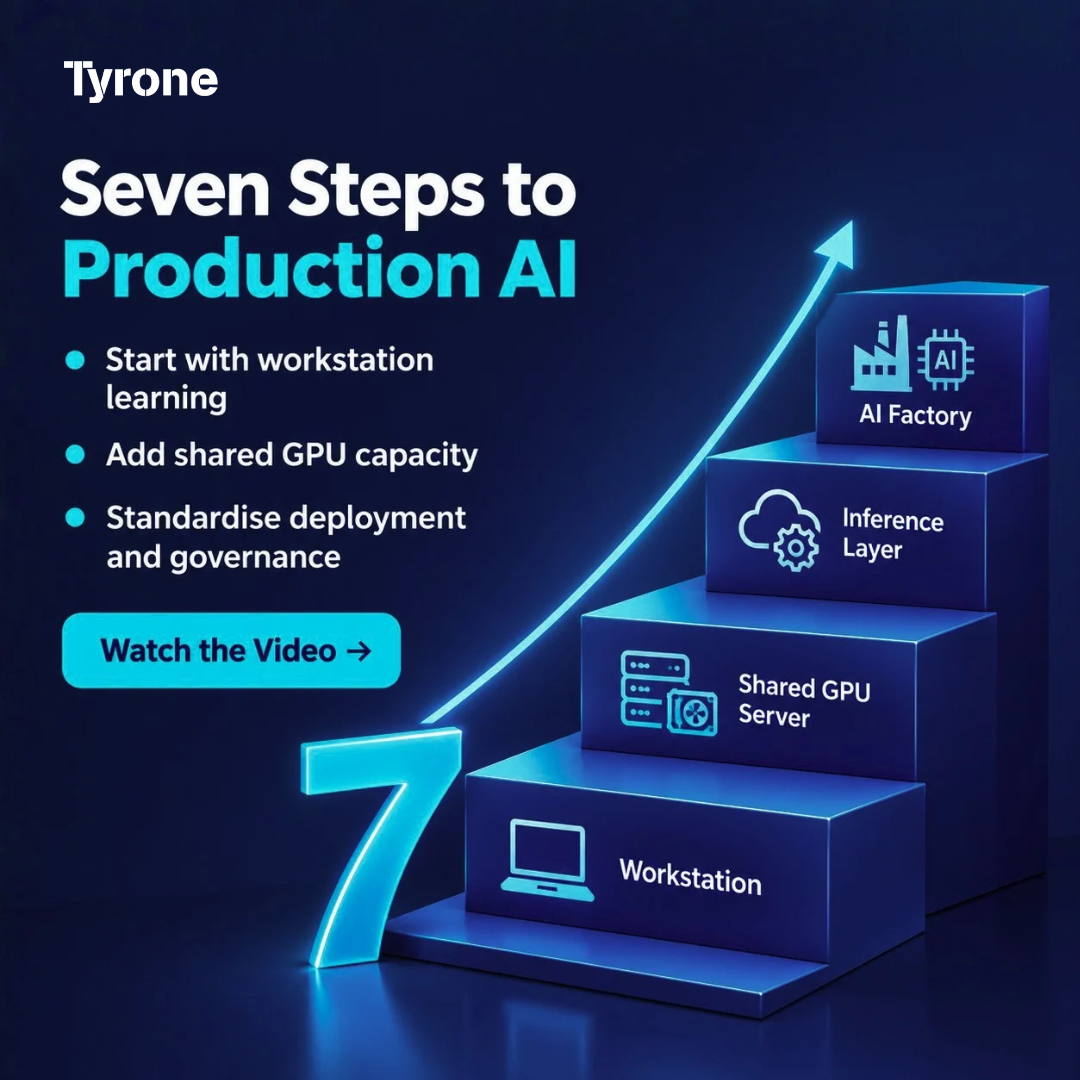
Moving from workstation to AI Factory is not a compulsory hardware ladder. Some projects need shared compute early; others can remain on local systems for longer. At each stage, the decision should be based on workload complexity, concurrency, performance targets, security requirements and operational needs.
For organisations expanding shared AI compute, the Tyrone Camarero Series offers GPU-optimised server options that can be evaluated against specific workload requirements. The broader AI Factory architecture brings these resources together with the software, data, networking, security and operational controls needed to support enterprise AI workloads.
| Explore Tyrone Camarero Series infrastructure: https://tyronesystems.com/servers/Latest_Generation.php |
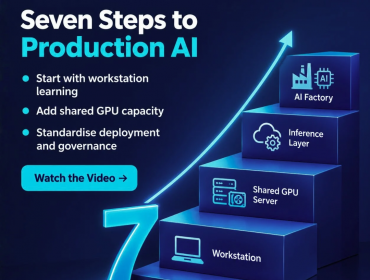
7 Steps to Scale GenAI from AI Workstations to AI Factory Infrastructure
A working GenAI prototype is a beginning, not an enterprise deployment plan. Scaling means making environments repeatable, sharing GPU capacity, protecting production inference and connecting data securely. This video maps seven practical steps from AI workstation experiments to a more coordinated AI factory infrastructure.